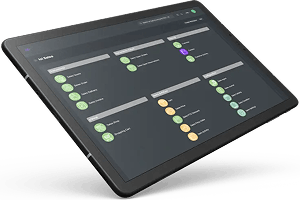

The Silicon ioi development team is working hard to roll out some amazing new features.
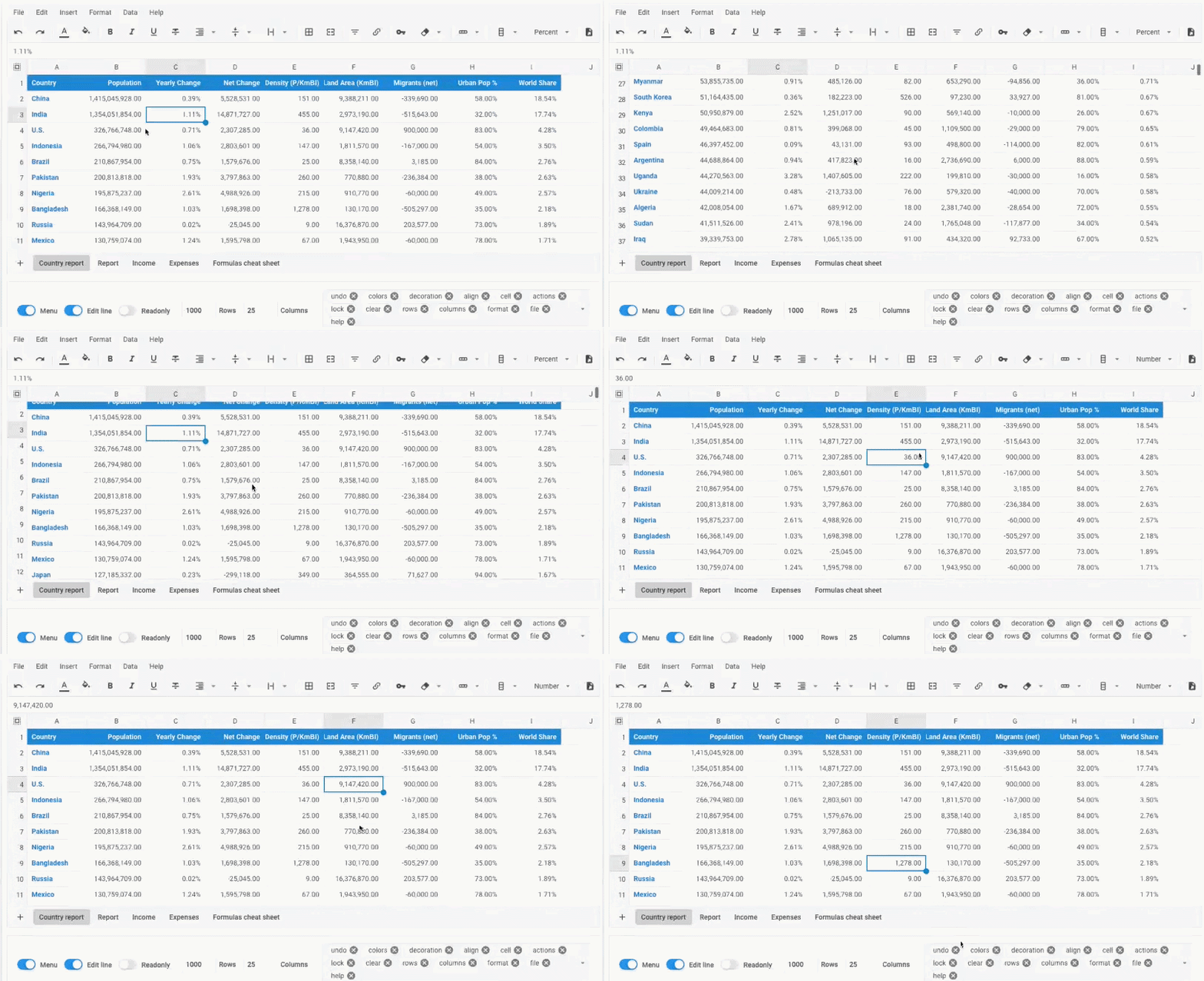
Silicon ioi now includes a fully functional spreadsheet. Its calculation capabilities are very similar to those of Microsoft Excel.
The launch of this new feature was met with applause by the first test users. Among the first to discover this feature were accountants and certified public accountants, who were all smiles. With this, we now have a powerful tool for presenting accounting results with calculations that can be customized to suit our clients’ specific industries.
You now have access to a true spreadsheet with 170 available functions. This integrated spreadsheet can also open or save files with the XLSX extension—spreadsheets compatible with Microsoft Excel, OpenOffice, or OnlyOffice, the open-source equivalents of Microsoft Excel. These spreadsheets are stored in the document management system integrated into Silicon ioi. Silicon-ioi also provides ready-to-use XLSX templates to speed up document creation with pre-formatted content, such as Excel formulas and a stylish layout.
This built-in spreadsheet was developed using JavaScript, allowing you to view and edit its content right within your favourite web browser. You no longer need an expensive Microsoft Excel license to work in a spreadsheet. Previously, you had to purchase a spreadsheet for each of your managers and operators; now, this option allows you to give access to a spreadsheet to all your staff using the Silicon-ioi ERP. The spreadsheet has some very interesting stunning features: it allows you to access ERP data through a set of ioi functions designed for ERP access. These functions enable you to create live spreadsheets that perform calculations on data accessed directly from your business operations. This is, for example, a major advantage for accountants or certified public accountants to generate dynamic dashboards and supplement them with formulas just like in MS Excel. This architecture, where the spreadsheet is accessible directly within Silicon-ioi, allows you to maintain complete confidentiality and avoid creating a security vulnerability with ODBC-type connections to a database. These practices of connecting via ODBC over the internet are major security vulnerabilities all too often encountered with cloud-based ERP systems. Here, with the topology in place, there are no security vulnerabilities. Everything remains in the cloud. Of course, you are free to extract the connected spreadsheet and place it on your workstation.
The formulas are then automatically disconnected, and only the resulting values are retained. If you wish to reintegrate this spreadsheet into Silicon-ioi, the system detects the situation and automatically reconnects your spreadsheet to Silicon-ioi. This feature allows you to move a spreadsheet from one folder to another. With this live spreadsheet, the release of Silicon-ioi modules for creating technical quotes and orders is just around the corner. What could be better for creating technical quotes than having a spreadsheet integrated and connected to your data? Engineers and technical sales representatives will be delighted to be able to create technical quotes in a spreadsheet connected to the ERP. Finally, they’ll have their hands free to perform the necessary technical calculations on a case-by-case basis within an ERP, using familiar tools and formulas to generate dynamically calculated quotes.